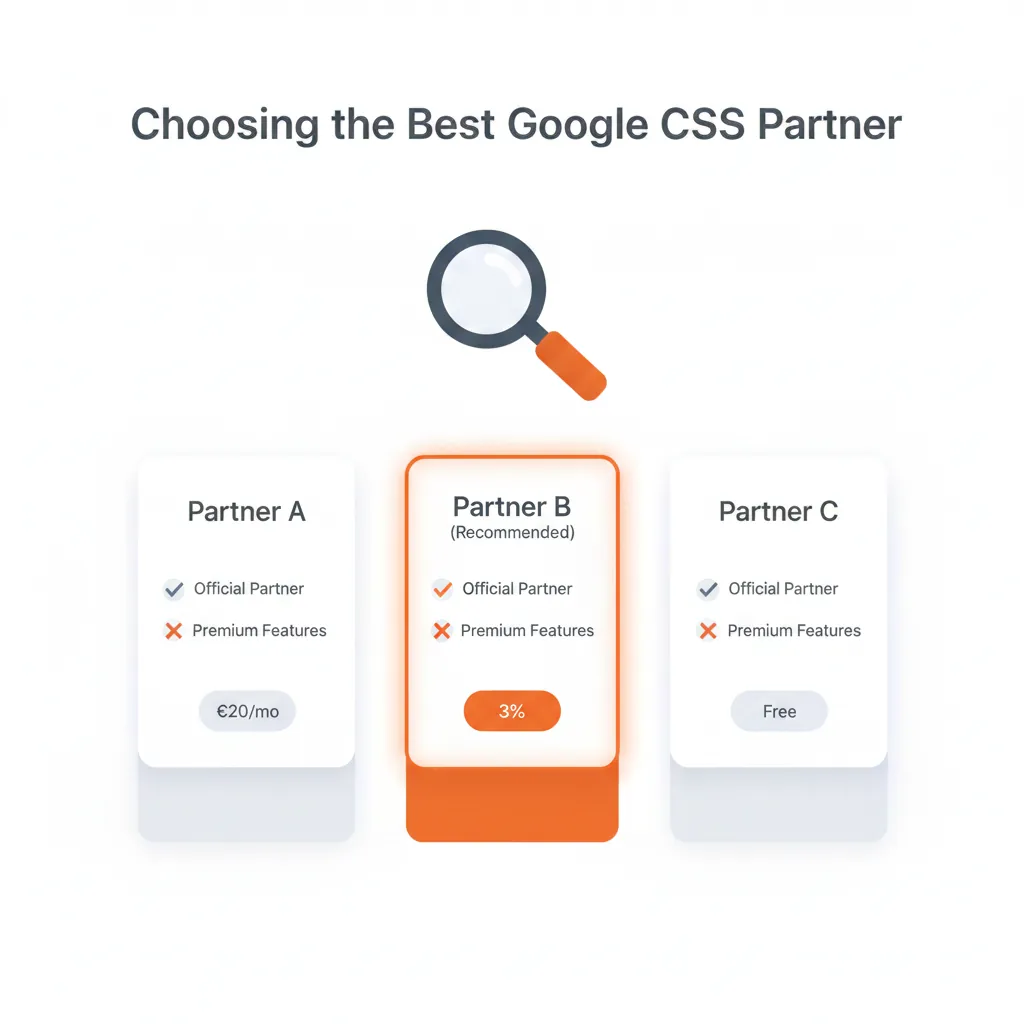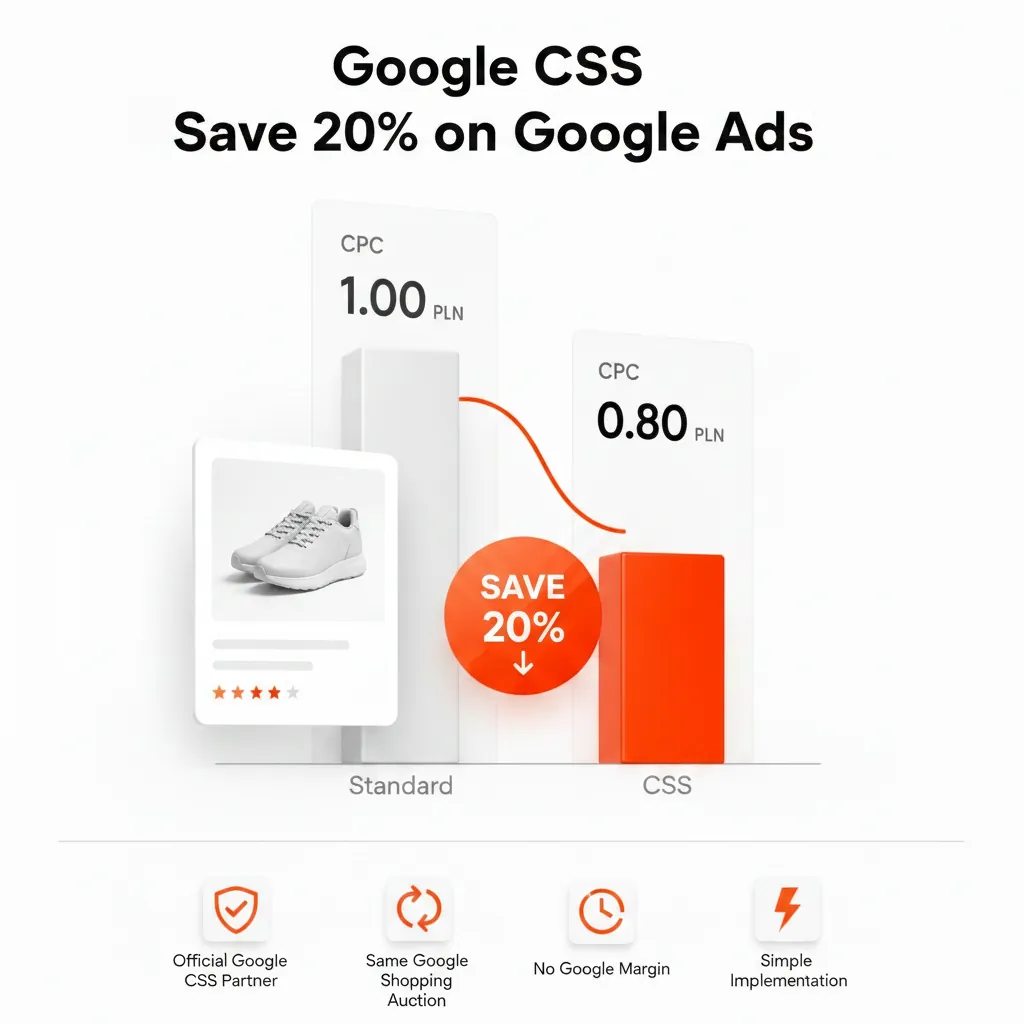
A Comparison Shopping Service (CSS) is linked to your Merchant Center account, not to your Google Ads account. Your campaigns, bidding strategies, budgets and conversion tracking stay exactly where they are. What changes is which CSS places your Shopping ads in the auction, how much margin is taken from your bid and which name appears in the "By" link under each ad. In the 21 countries of Google's CSS program, an independent CSS can lower your cost per click by up to 20% compared with Google Shopping (the actual difference depends on category and competition). This guide explains what that means inside Google Ads, for Standard Shopping and for Performance Max.
How a CSS connects to your Google Ads account
Merchant Center decides the CSS
Every Merchant Center account in the CSS countries is associated with one CSS at a time. By default that is Google Shopping (often called Google Shopping Europe). When you switch, the new CSS sends the request from its CSS Center and an admin of your Merchant Center account approves it. Google states it plainly: Google Ads accounts don't need to be switched.
Every campaign that uses that Merchant Center data "belongs" to its CSS
According to Google's Merchant Center Help, when a campaign uses product data from a Merchant Center account associated with a CSS, that campaign is considered to belong to that CSS. You don't tag campaigns or change settings in Google Ads – the link is made through the product feed your campaigns already use.
Shopping campaigns with a CSS: what stays and what changes
| Element | After switching to an independent CSS |
|---|---|
| Google Ads account and campaigns | Unchanged – same account, same campaigns, same history |
| Product feed and Merchant Center | Unchanged – same Merchant Center account and feed |
| Bidding and budgets | Unchanged – you set them in Google Ads as before |
| Conversion reporting and auto-bidding | Same features for all CSSs |
| Margin taken from your bid | Google Shopping deducts a fixed percentage margin from each bid; an independent CSS sets its own fee (for Feedve: a flat subscription) |
| "By" link under the ad | Shows the name of your CSS instead of "By Google" |
| Who pays Google for clicks | The CSS pays Google for clicks on the ads it places; you keep paying for clicks in your own Google Ads account |
The margin is the reason for the price difference. Google Shopping's margin is not published and is widely estimated at around 20%. Because an independent CSS doesn't take that cut from your bid, more of your bid reaches the auction – which is where the "up to 20% lower CPC" comes from. For a side-by-side comparison, read Google CSS vs Google Shopping Europe.
Performance Max and CSS
Shopping placements go through your CSS
Google's help pages describe the CSS association at the level of the Merchant Center account, not per campaign type, and they don't name Performance Max separately. In practice this means any campaign that serves Shopping ads from that Merchant Center account – a Standard Shopping campaign or the Shopping ads within Performance Max – uses the CSS associated with it. Treat this as how the rule applies, not as a separate Google statement about Performance Max.
Which surfaces a CSS covers
By default, a CSS can place products only in the Shopping unit on Google's general search results pages. Some CSSs opt in to placing products also on the Display Network and other surfaces, such as the Shopping tab and YouTube. Before you switch, ask the CSS which surfaces it is opted in to. Google warns that if the CSS you switch to isn't opted in to dynamic remarketing and surfaces beyond general search, ads on those surfaces can be affected – important if your Performance Max campaigns rely on them.
Smart Bidding and conversion tracking
Google states that all CSSs have access to the same features, including conversion reporting and Google's auto-bidding tools. Your tROAS or tCPA strategies keep working with the same conversion actions. As with any change that affects CPC, give Smart Bidding time to adjust before you judge the results, and avoid changing targets in the same week as the switch.
Testing a CSS with a second Merchant Center account
A Merchant Center account can be associated with only one CSS at a time, but you can work with several CSSs through different Merchant Center accounts. Google also states that a merchant will never be second-priced against itself in the auction, so running the same offers through two CSSs doesn't make you bid against yourself. A full switch is usually simpler to manage, because all data stays in one account.
What to measure after the switch
- Average CPC in Shopping and Performance Max, compared with a period of the same length before the switch.
- Impression share and clicks – a lower CPC at the same bids can buy more traffic.
- Conversion value and ROAS – the result that matters; check it over at least 2–4 weeks.
- Seasonality – compare like with like, as promotions and peak periods move CPCs on their own.
To estimate the possible effect for your budget before switching, use the CSS savings calculator.
How the switch works, in short
- Choose a CSS and sign up – see how to choose a Google CSS partner.
- The new CSS sends a switch request for your Merchant Center account from its CSS Center.
- An admin of your Merchant Center account approves the request.
- The switch takes effect after a grace period of up to 14 days. Nothing changes in Google Ads.
The full step-by-step process is in How to switch CSS partner in Google Merchant Center.
Frequently asked questions
Do I need a new Google Ads account to use a CSS?
No. The CSS is associated with your Merchant Center account, and Google Ads accounts don't need to be switched.
Will my campaign history or Smart Bidding reset?
Your campaigns, history and conversion actions stay in the same Google Ads account. All CSSs have access to the same conversion reporting and auto-bidding tools; Smart Bidding simply adapts to the new CPC level.
Does a CSS apply to Performance Max?
The CSS association works through Merchant Center, so Shopping ads served from that Merchant Center account – including those within Performance Max – go through the associated CSS. Check which surfaces your CSS is opted in to.
Can I use two CSSs at the same time?
Yes, through different Merchant Center accounts. Each Merchant Center account can be associated with only one CSS at a time, and you are never second-priced against yourself.
Is CSS available outside Europe?
No. The CSS program runs in 21 countries: Austria, Belgium, Czech Republic, Denmark, Finland, France, Germany, Greece, Hungary, Ireland, Italy, Netherlands, Norway, Poland, Portugal, Romania, Slovakia, Spain, Sweden, Switzerland and the United Kingdom. See the list of Google CSS countries.
Are Shopping ads via a CSS the same as CSS Product Listing ads?
No. Shopping ads via a CSS are your own product ads, placed by your CSS. CSS Product Listing ads are a separate format that CSSs use to promote their own comparison pages – see CSS Product Listing Ads explained.
Lower your Shopping CPC without touching your campaigns
Feedve is an independent Google CSS partner for merchants in all 21 CSS countries, with a flat subscription instead of a margin on your bids. See Feedve pricing. Agencies that want to offer CSS under their own brand can use the White Label CSS plan.