Choosing a Google CSS partner comes down to four things: whether a CSS makes sense for your Shopping spend at all, how the partner charges, whether it covers your countries, and how easily you can switch if it doesn't work out. Every Shopping ad in the 21 countries of Google's CSS program is placed by a Comparison Shopping Service (CSS) – by default Google Shopping, which deducts a fixed percentage margin from each bid. An independent CSS partner can lower your cost per click by up to 20% for the same auction, depending on category and competition. This guide shows how CSS partners charge, what to ask before you sign, and when a CSS partner is not worth it – based on Google's own help pages.
What a Google CSS partner does for your Shopping ads
A CSS uploads your products and places Shopping ads on Google on your behalf. You keep your own Google Ads account, campaigns, bidding and feed; the CSS is linked to your Merchant Center account. Each ad shows which CSS placed it – Google calls this the "By CSS" link at the bottom of the ad, and it takes users to the CSS's own website. New to the topic? Start with What is Google CSS?
Is a Google CSS partner worth it?
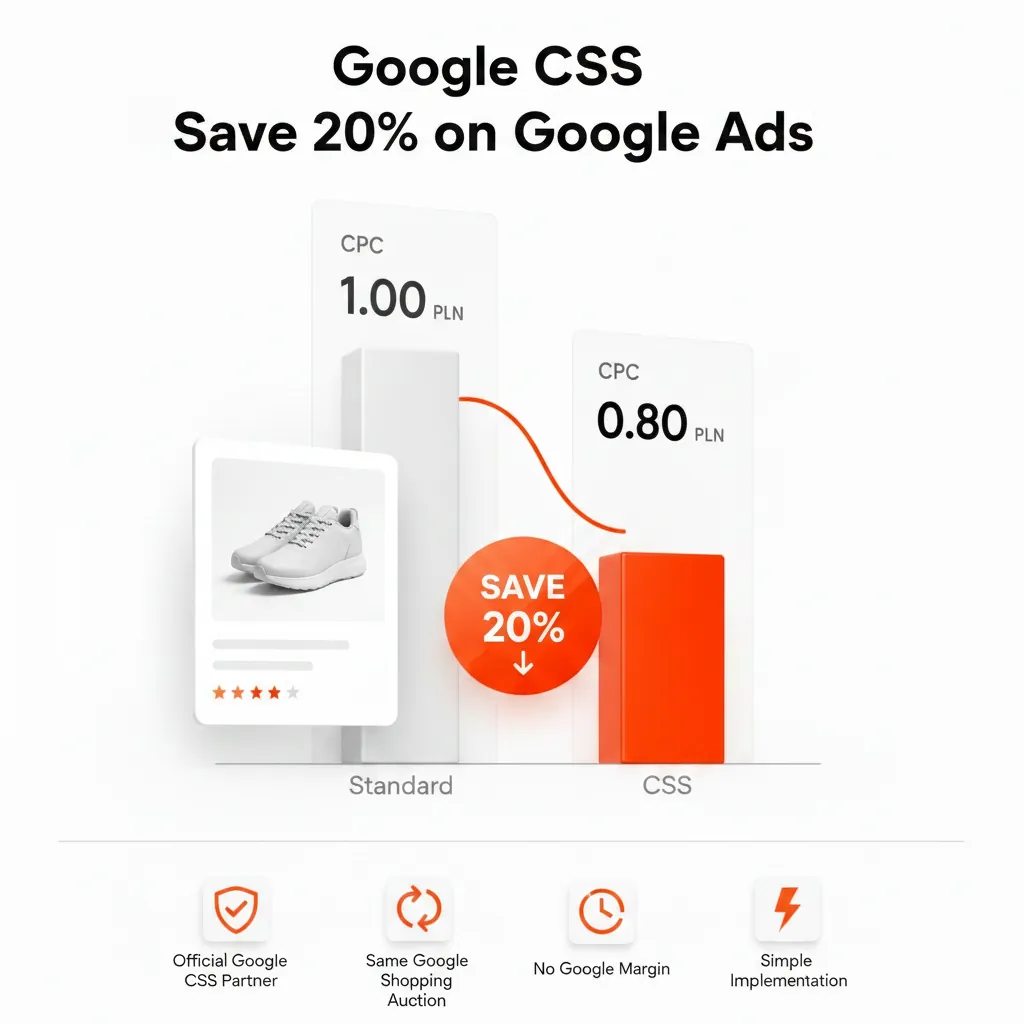
The saving comes from the margin. Google says Google Shopping ensures profitability by "deducting a fixed percentage margin from each merchant bid", and that the margin is included in the CPC the merchant pays. Google does not publish the size of that margin; it is widely estimated at around 20%. An independent CSS doesn't take that margin from your bid, so more of your bid goes into the auction. The practical result: you can pay up to 20% less per click for the same position – the real difference depends on your category and how much competition you face.
When a CSS partner usually pays off
- You run Shopping ads in at least one of the 21 CSS countries.
- Your monthly Shopping spend is clearly higher than the partner's fee, so the CPC saving covers the cost.
- You don't want to rebuild anything: campaigns, history and Smart Bidding stay in your own Google Ads account.
When it makes little or no difference
- You don't run Shopping ads, or you only advertise outside the CSS program countries.
- Your Shopping spend is so small that the partner's fee would eat the saving – run your numbers in the CSS savings calculator first.
- You are already with an independent CSS you are happy with – switching between two independent CSSs changes the fee, not the margin logic.
How CSS partners charge
Google leaves pricing to each CSS: "CSSs can choose how to invoice their merchants." Google Shopping, by contrast, generally charges merchants on a CPC model with its margin built in. In practice you will see these models among independent CSSs:
| Fee model | How it works | What to check |
|---|---|---|
| Margin on the bid | Like Google Shopping: a share of each click is kept by the CSS | The exact percentage and whether it changes with spend |
| Percentage of ad spend | An invoice based on how much you spend through the CSS | Whether the fee grows faster than the saving as you scale |
| Flat subscription | A fixed monthly or annual price, regardless of spend | What is included and for how many shops or countries |
| "Free" | No visible fee to the merchant | How the CSS earns money – e.g. a margin on clicks or a bundled service |
None of these is automatically better. Compare the total cost at your real monthly spend, not the headline price. For reference, Feedve uses a flat subscription: Feedve Pro costs €20 per month or €200 per year – see pricing.
Checklist: 8 questions to ask a CSS partner
- Which countries do you cover? Check that every market you advertise in is included – the CSS program runs in 21 countries.
- How exactly do you charge? Margin, percentage of spend or flat fee – and what that means at your spend.
- Is there a minimum term or notice period? Know how and when you can leave.
- Do I keep my Google Ads account, campaigns and data? With a CSS you should – the CSS is linked to Merchant Center, not to your campaigns.
- Who starts the switch and how long does it take? The new CSS initiates it, a Merchant Center admin approves it, and Google applies a grace period of up to 14 days.
- Do you need access to my Google Ads account? Ask what access is required and why.
- What support do you offer, and in which language? Self-service and managed services suit different teams.
- Can I work with more than one CSS? Google allows it through separate Merchant Center accounts – useful if you want to compare.
What "Premium CSS Partner" does and doesn't mean
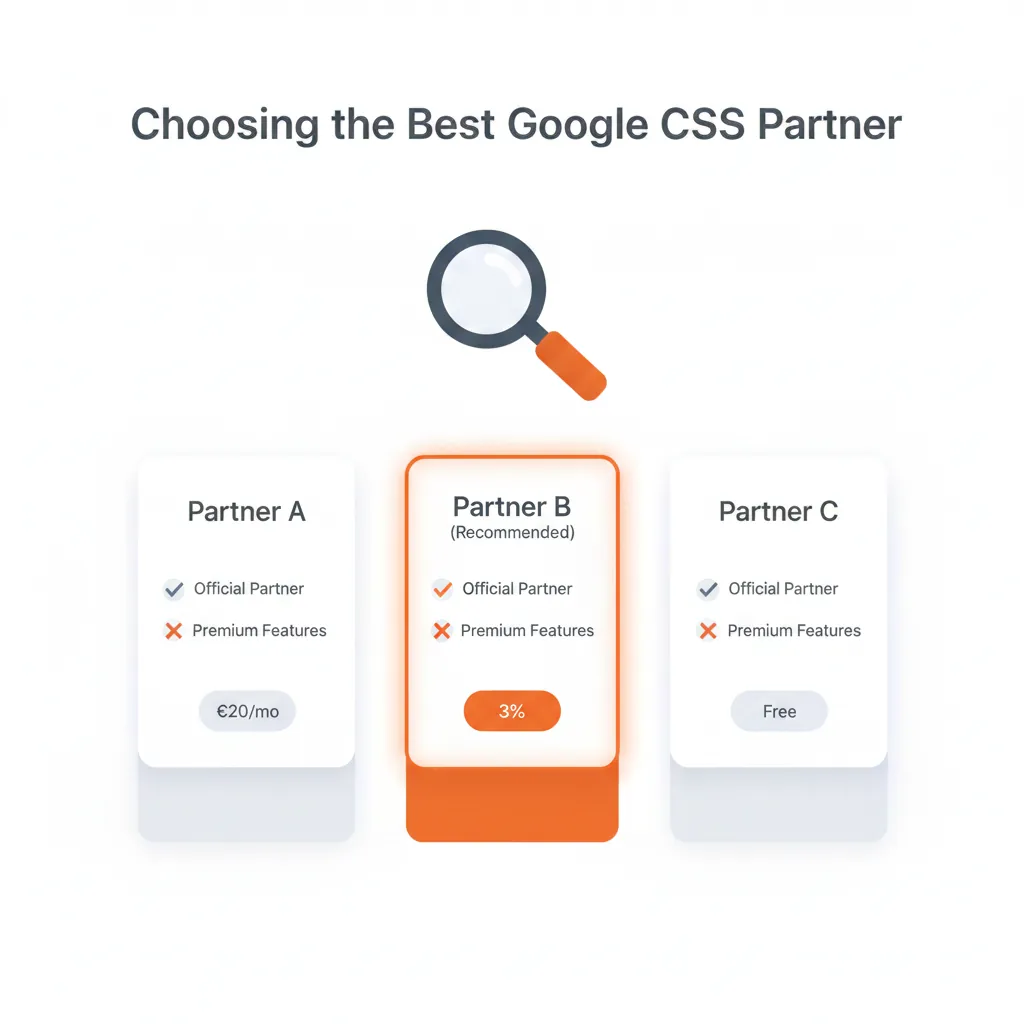
Some CSSs advertise a "Premium" status. It is not one of the CSS program requirements in Google's CSS Center Help, so it doesn't decide whether a CSS can place your ads or how much you save per click. Judge partners on fees, countries, terms and support instead. Feedve is an independent CSS partner and does not hold Premium status. What Google does require from a CSS is covered in Google CSS partner requirements.
How switching to a new CSS partner works
Switching is handled between the CSSs and your Merchant Center account:
- A Merchant Center account can be associated with only one CSS at a time, but you can work with several CSSs through different Merchant Center accounts.
- You ask your new CSS to initiate the switch; an admin of your Merchant Center account then approves or declines the request.
- The switch takes effect after a grace period of up to 14 days. The old CSS can waive it, and during the grace period you can still decide to stay with your old CSS.
Step-by-step instructions are in How to switch CSS partner in Google Merchant Center. If you want to understand the difference to Google's own CSS first, read Google CSS vs Google Shopping Europe.
Agencies: referral or white label?
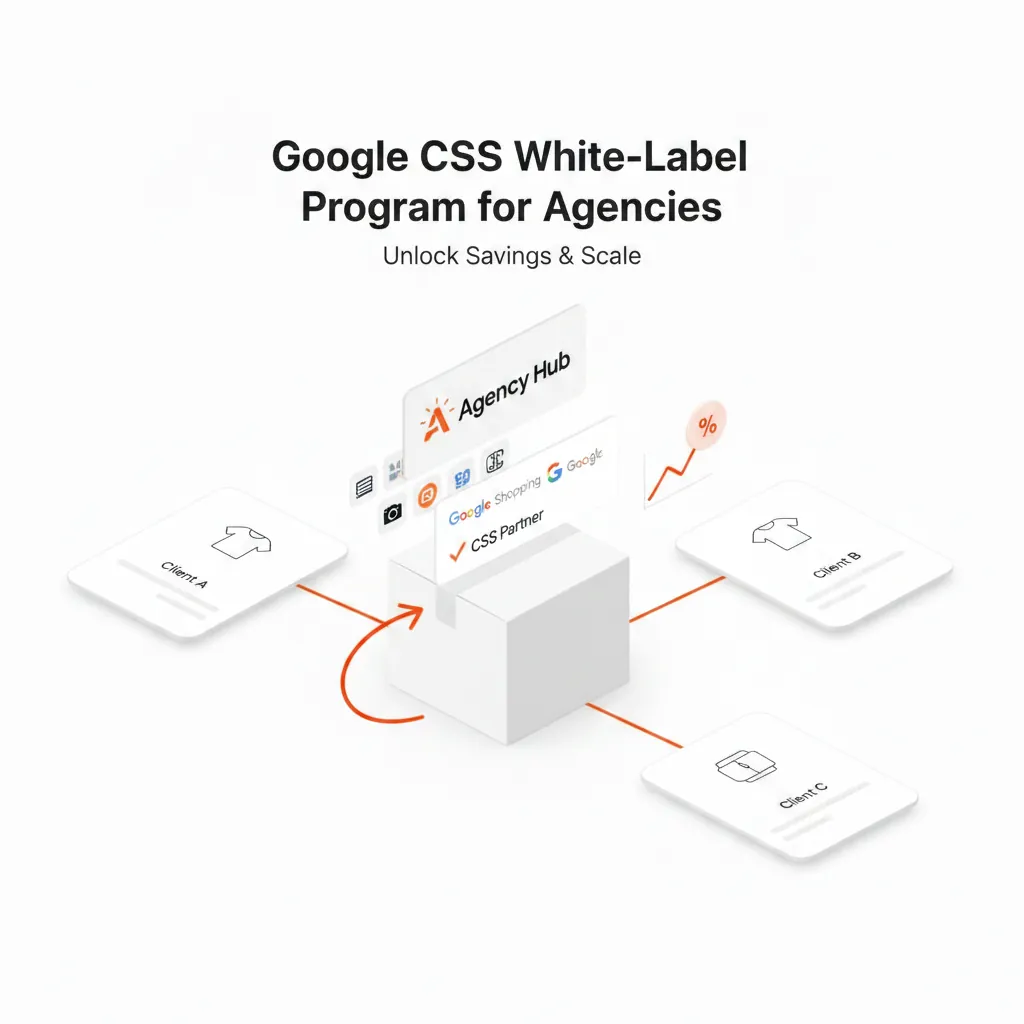
Agencies choosing a CSS partner for several clients have two routes: refer clients to a CSS, or offer CSS under their own brand. A white label CSS puts the agency's name on clients' Shopping ads while the provider runs the CSS side. The economics of both routes are compared in CSS affiliate vs white label, and Feedve's option is on the white label CSS page.
Frequently asked questions
How do I choose the best Google CSS partner?
Compare partners on country coverage, total fee at your real monthly spend, contract terms, support and how the switch works. A "Premium" label is not a CSS program requirement and says nothing about your CPC saving.
How much does a CSS partner cost?
Each CSS sets its own pricing – Google says CSSs can choose how to invoice their merchants. Common models are a margin on the bid, a percentage of ad spend or a flat subscription. Google Shopping generally charges on a CPC model, with its margin included in the CPC you pay.
Is a Google CSS partner free?
Some CSSs advertise no fee, but every CSS has to earn money somehow – often through a margin on clicks. Ask how the partner is paid before comparing prices.
Should I use a CSS partner?
If you run Shopping ads in one of the 21 CSS countries and your spend is clearly above the partner's fee, it is usually worth checking: an independent CSS can lower your CPC by up to 20% for the same auction, and you keep your campaigns. If you don't run Shopping ads in those countries, it makes no difference.
Can I go back to Google Shopping?
Yes. You can change CSS again later; the same process applies, including the grace period of up to 14 days.