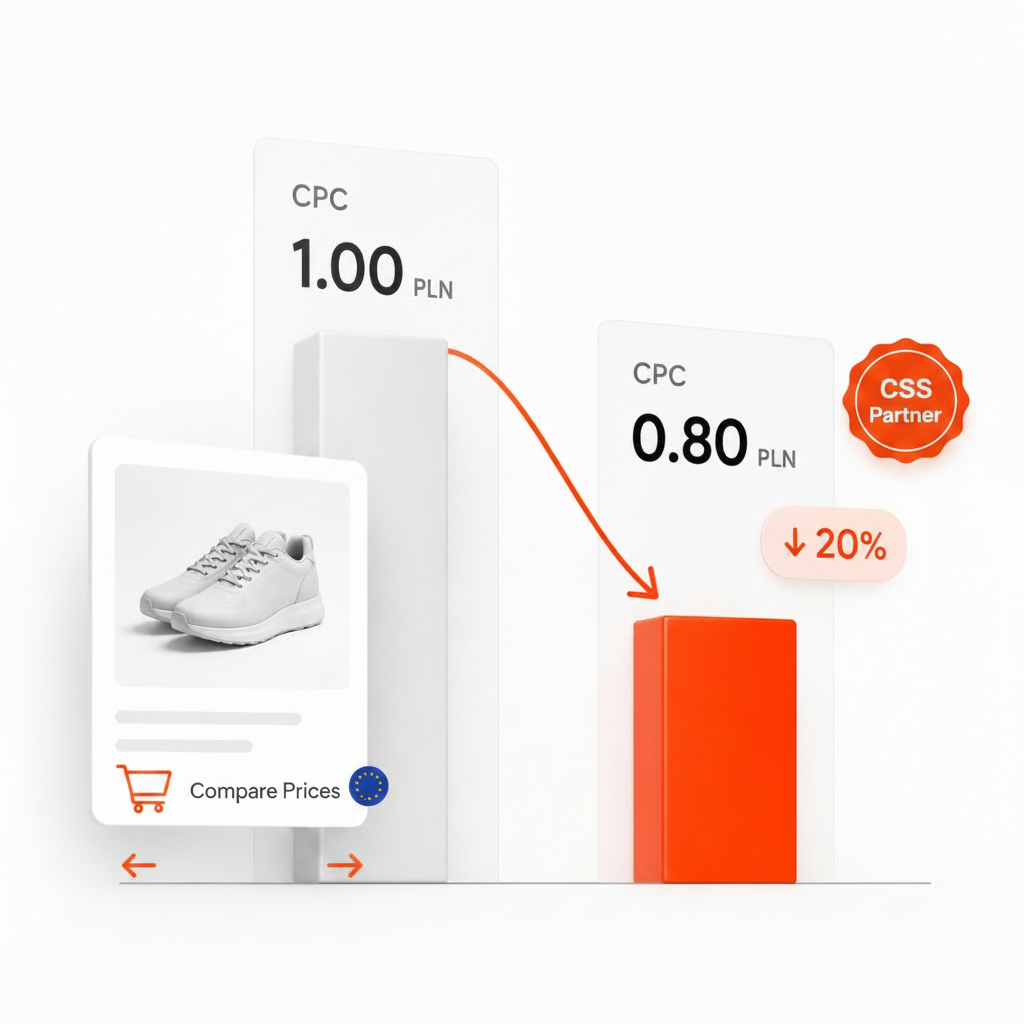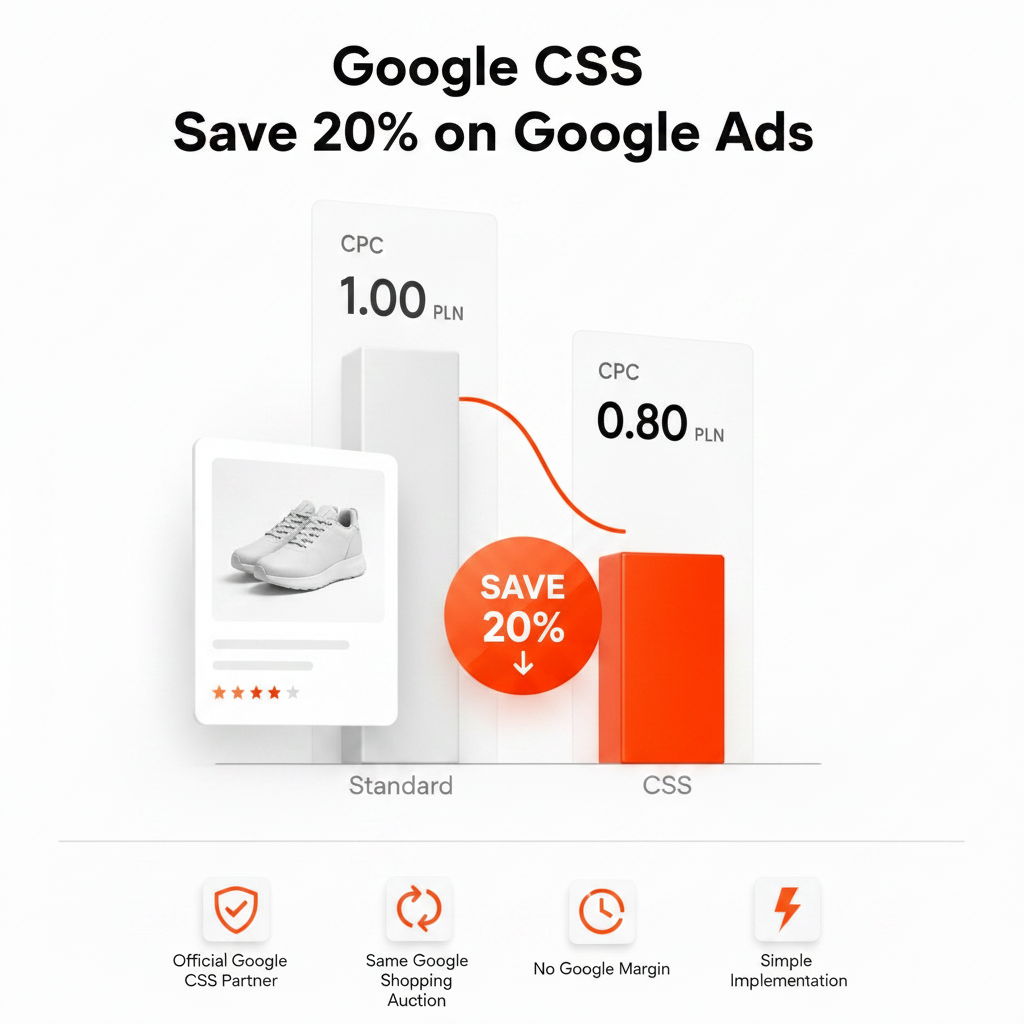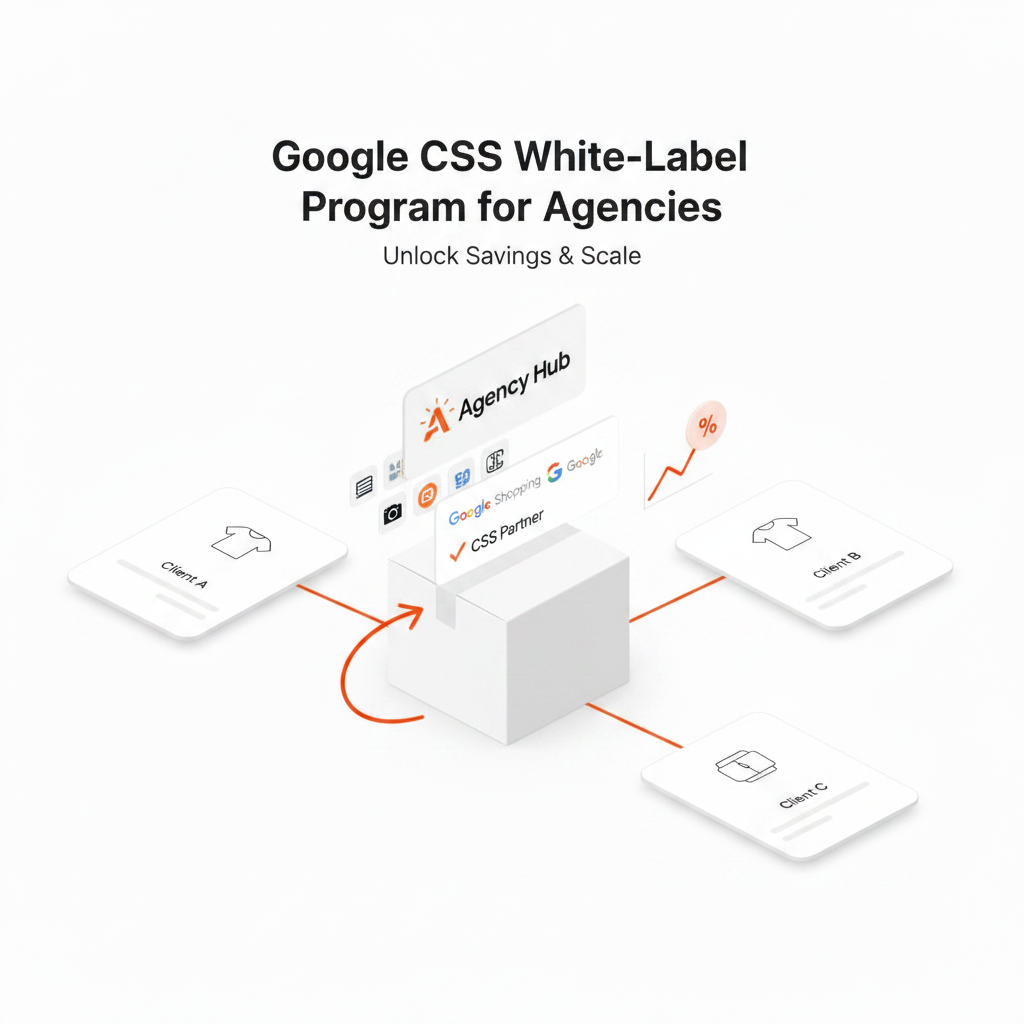
White label CSS lets a digital agency offer Google CSS (Comparison Shopping Service) to its e-commerce clients under the agency's own brand. A technology provider runs the CSS infrastructure; the agency owns the client relationship, the branding and the pricing. Clients get Shopping ads that can cost up to 20% less per click than through Google Shopping Europe, and the agency gets a recurring service it can offer to every Shopping client in the 21 CSS program countries.
This guide explains how white label CSS works, the two main models, what it costs and how to launch it. If you need a refresher on the CSS program itself, start with What is Google CSS?
What is white label CSS?
In the 21 countries of Google's CSS program, every Shopping ad is placed by a Comparison Shopping Service – Google Shopping Europe or an independent CSS partner. Every CSS must operate a price comparison website that meets Google's program requirements and handle the technical side of representing merchants. White label CSS takes that work off the agency: the provider runs the infrastructure and sets up the comparison site, and the agency offers the service under its own name.
For the agency's clients it works like any other CSS partnership. Their Merchant Center account is associated with the agency's CSS, their campaigns keep running in their own Google Ads account, and their Shopping ads show “By [Your Agency]” instead of “By Google”.
How white label CSS works
- The provider sets up your CSS. A comparison site under your brand is created, and the technical side of the CSS is handled for you.
- You sign up clients. You present the offer, agree pricing and collect each client's Merchant Center ID together with their confirmation that your CSS should place their Shopping ads – Google requires that confirmation before a switch is started.
- Clients' accounts are switched. A switch request is sent from the CSS Center, an admin of the client's Merchant Center account approves it, and the switch takes effect after a grace period of up to 14 days.
- Campaigns keep running. Clients keep their Google Ads accounts, campaigns, feeds and bid strategies. Their Shopping ads now carry your brand, and their bids are no longer reduced by Google Shopping Europe's margin.
- You report and invoice. You show clients the change in CPC and bill them according to your own pricing.
Two white label CSS models
Hosted white label
The fastest way to launch. The comparison site runs on the provider's subdomain – with Feedve, for example, yourbrand.feedve.com – and your brand name appears in your clients' Shopping ads. A good fit for agencies that want to start with a few clients.
Full white label
A complete setup on your own domain or subdomain, with your company name and customer service details, and optionally your own product feed powering the comparison site. A good fit for agencies that want CSS to be a fully branded product line.
White label CSS vs. referring clients to a CSS partner
| Aspect | White label CSS | Referring clients |
|---|---|---|
| Brand on clients' ads | Your agency | The CSS provider |
| Client relationship | Yours | Shared with the provider |
| Client pricing | Set by you | Set by the provider |
| Agency revenue | Your margin on every client | Referral commission, if any |
| CPC advantage vs. Google Shopping Europe | Up to 20% | Up to 20% |
What does white label CSS cost?
Providers price white label CSS in different ways: a flat monthly fee, a fee per client account or a percentage of clients' ad spend. A flat fee is the most predictable, because your cost doesn't grow as you add clients or as their budgets grow.
Feedve White Label costs €199 per month or €1,990 per year (€165.83 per month), with unlimited clients and products, all 21 CSS program countries and no per-client fees. See the white label CSS plan for details.
Example: when the plan pays for itself
Illustrative numbers only. If you charge each client €50 a month for CSS, four clients cover a €199 monthly fee and every additional client adds margin. With 15 clients the service brings in €750 a month against the same €199.
What you charge is up to you, but it should stay well below what the client saves. A client spending €3,000 a month on Shopping whose CPCs drop by 10% saves around €300 a month for the same clicks, so a €50 fee leaves them clearly ahead.
How to price white label CSS for clients
- Flat monthly fee per client – simple to explain and easy to compare with the saving.
- Bundled into your retainer – CSS as part of your Shopping management package.
- Tiered by spend – a higher fee for clients with larger Shopping budgets, who also save more in absolute terms.
Whichever model you choose, present the saving as “up to 20%” and show actual results from the client's own data. Promising a fixed saving backfires the first time a category doesn't reach it.
How to launch white label CSS in your agency
- Choose your model. Hosted to start quickly, full white label if CSS will be a core product.
- Set up your CSS. With Feedve, the agency account is usually ready within 72 hours on business days.
- Prepare your offer. A one-page explanation of CSS, your pricing and answers to the questions clients ask most: accounts, feed and the “By” label.
- Run a pilot. Move one or two clients first. Record 30–60 days of baseline Shopping data per country, then compare CPC, impression share, clicks and ROAS after the switch.
- Roll out. Use the pilot results in your pitch, then move the remaining clients. Adding a client takes a few minutes of work; each switch takes effect within a grace period of up to 14 days. The full process is described in How to switch CSS partner in Google Merchant Center.
How to choose a white label CSS provider
- Pricing model. Flat fee, per client or a percentage of spend? Model your cost at 5, 20 and 50 clients.
- Branding depth. Provider subdomain only, or your own domain, company name and customer service details?
- Country coverage. All 21 program countries or only some of them?
- Surfaces. By default a CSS places products only in the Shopping unit on Google Search. Ask about other surfaces if your clients rely on them.
- Client ownership. Clients should keep their own Google Ads and Merchant Center accounts, so they – and you – stay free to move.
- Contract terms and support. Notice period, onboarding help and response times.
Common mistakes
- Promising a fixed 20%. The CPC advantage over Google Shopping Europe can reach up to 20%, but it depends on the category and competition.
- Switching all clients at once. A pilot gives you real numbers and a tested process.
- Changing bids and the CSS at the same time. It makes the effect of CSS impossible to measure.
- Not explaining the “By” label. Tell clients in advance that their ads will show your agency's name.
Frequently asked questions
Is white label CSS allowed by Google?
Yes. Google's CSS program is open to comparison shopping services that meet its requirements, including running a price comparison website. In a white label setup, the provider builds and runs that infrastructure for the agency.
Do clients need new Google Ads or Merchant Center accounts?
No. Their Merchant Center account is switched to your CSS, and their Google Ads account and campaigns stay as they are.
How long does it take to launch?
With Feedve, the agency account is usually ready within 72 hours on business days. Each client switch takes effect after a grace period of up to 14 days from approval.
Can clients leave?
Yes. Any merchant can move its Merchant Center account to another CSS through Google's account switch process, which is why CSS should be sold on results, not lock-in.
How much do clients save?
Up to 20% on Shopping CPC compared with Google Shopping Europe; the actual figure depends on the category, competition and bid strategy. Use the CSS savings calculator to estimate it for a specific client, and see Google CSS vs Google Shopping Europe for where the difference comes from.
Ready to offer CSS under your own brand? See Feedve White Label CSS.