CSS Product Listing ads are the Google Ads format that lets a Comparison Shopping Service (CSS) advertise product pages from its own comparison website in the Shopping carousel on Google Search. In July 2026 Google's help documentation replaced the earlier name, Comparison Listing ads, with CSS Product Listing ads. Search Engine Roundtable reported the change on 24 July 2026 and noted that it had not seen a separate announcement from Google.
The format matters mainly to companies that run comparison websites. Merchants and agencies should understand it for a different reason: it is easy to confuse with the Shopping ads a CSS places on a merchant's behalf. This article explains both and how they differ.
What are CSS Product Listing ads?
According to Google's Comparison Shopping Services Help, CSS Product Listing ads promote products from a product detail page on a CSS website. They appear as a carousel of products on Google Search results and show a product image, a title, an offer price and the number of offers. A click takes the shopper to the product page on the CSS website, where offers from several merchants can be compared.
Google says these ads appear next to Merchant Product Listing ads and that CSSs compete with merchants on a non-discriminatory basis in the existing Product Listing Ad (PLA) carousel. CSSs can place them in countries that are part of the CSS program, provided they meet Google's minimum requirements. For the list of those countries, see Google CSS countries.
CSS Product Listing ads vs. Shopping ads placed through a CSS
| CSS Product Listing ads | Shopping ads placed through a CSS | |
|---|---|---|
| Who advertises | The CSS, promoting its comparison website | The merchant; the CSS places the merchant's offers in the auction |
| Where the click goes | A product page on the CSS website with offers from several merchants | The merchant's own product page |
| What the ad shows | Product image, title, offer price, number of offers | The merchant's product title, image, price and store name, plus a “By …” link naming the CSS |
| Accounts | The CSS's Google Ads account linked to its CSS Center domain; product data sent through the CSS API | The merchant's own Google Ads and Merchant Center accounts |
| Who uses it | Comparison shopping websites | Online stores and their agencies |
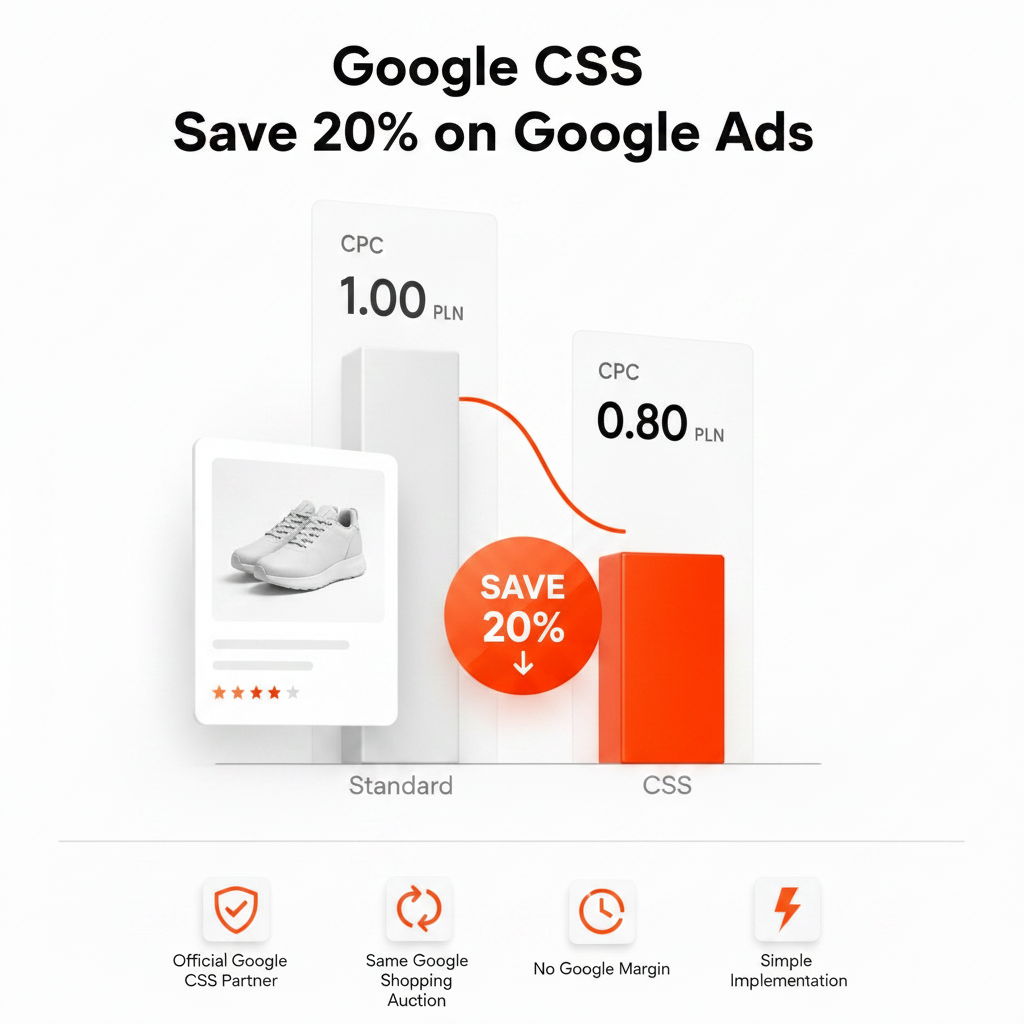
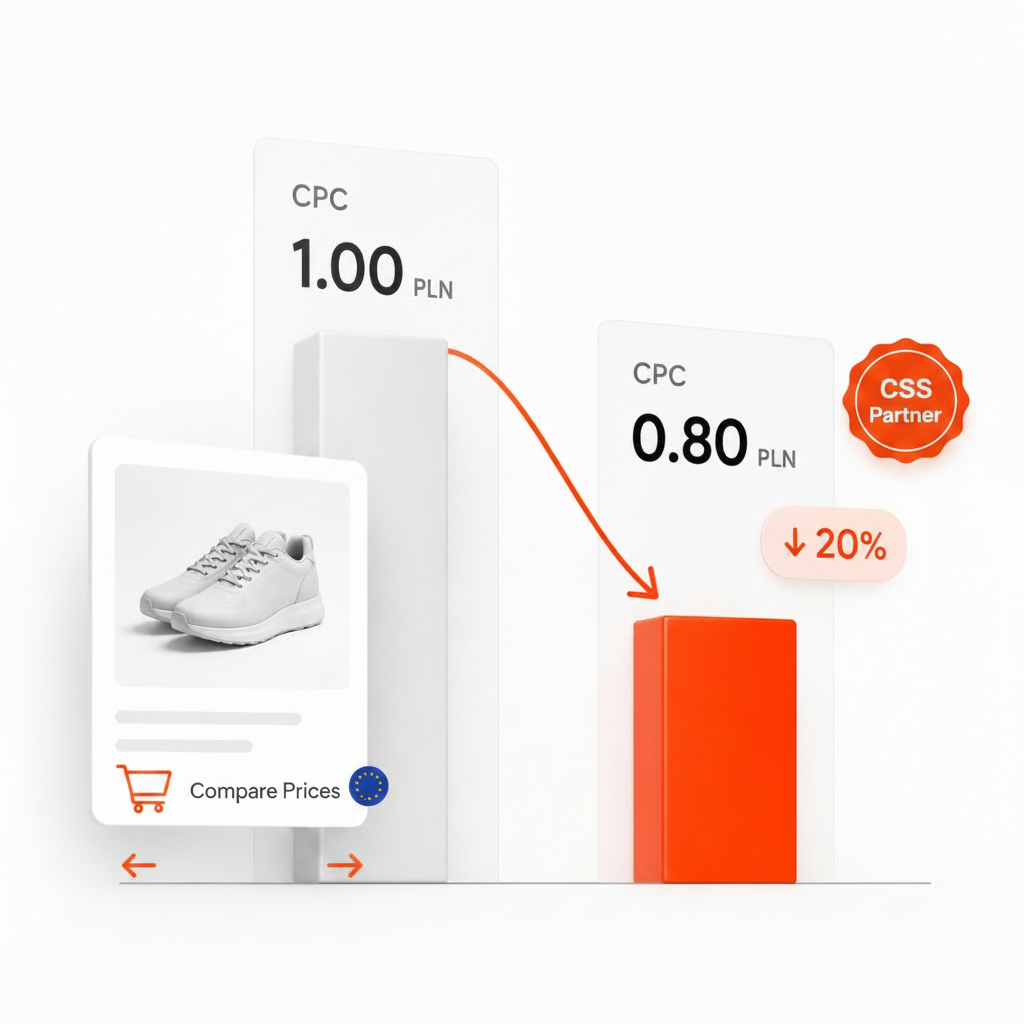
When an online store works with a CSS partner such as Feedve, it is the second column: the store's own Shopping ads, run from its own Google Ads account, with the CSS placing its offers in the auction. How that works – and why it can lower Shopping CPCs by up to 20% – is explained in What is Google CSS?
Google's requirements for CSS Product Listing ads
Landing page and format
- The final landing page must be on the domain associated with the CSS Center account, with no automatic redirects to other domains.
- No pop-ups or interstitial pages.
- The page must show relevant offers from multiple merchants that match the ad, allow shoppers to compare them and link directly to the merchants' pages where the product can be bought.
- Google's Shopping ads policies, Google Ads policies and the CSS product page policies and requirements also apply.
Prerequisites
- A Comparison Shopping Service account in CSS Center.
- Accepting the terms of service to start onboarding.
- Product data submitted through the CSS API. The
headline_offer_shipping_pricefield is required when shipping costs more than zero. - A Google Ads account enabled for CSS Product Listing ads and linked to the CSS Center domain. Google asks CSSs to contact support with the Google Ads account ID and the CSS Center domain ID.
- A Shopping campaign that meets Google's Shopping campaign requirements.
Campaign setup
The campaign uses the Sales goal or no goal and the Shopping campaign type. The advertiser selects the CSS account, the product feed from the CSS domain and the feed label. Google Search Network and search partners are switched on by default and can be turned off. Bidding works as in other Shopping campaigns: you choose a bid strategy, can bid only for new customers, and campaign priority decides which budget is used when products overlap across campaigns.
Product ratings (optional)
CSS Product Listing ads can show 1–5 star product ratings with a review count. Google's requirements include at least 50 product reviews generated in the last month, either the CSS's own or syndicated, and links to the reviews visible on the site. Ratings are requested through a Google Sheets template and the CSS Partners account management form.
What it means for merchants and agencies
- Merchants: your own Shopping ads keep working as before; this format is run by comparison websites, not by stores. Comparison websites can advertise their product pages in the same carousel as merchant ads, and those pages list offers from several merchants with links to their stores.
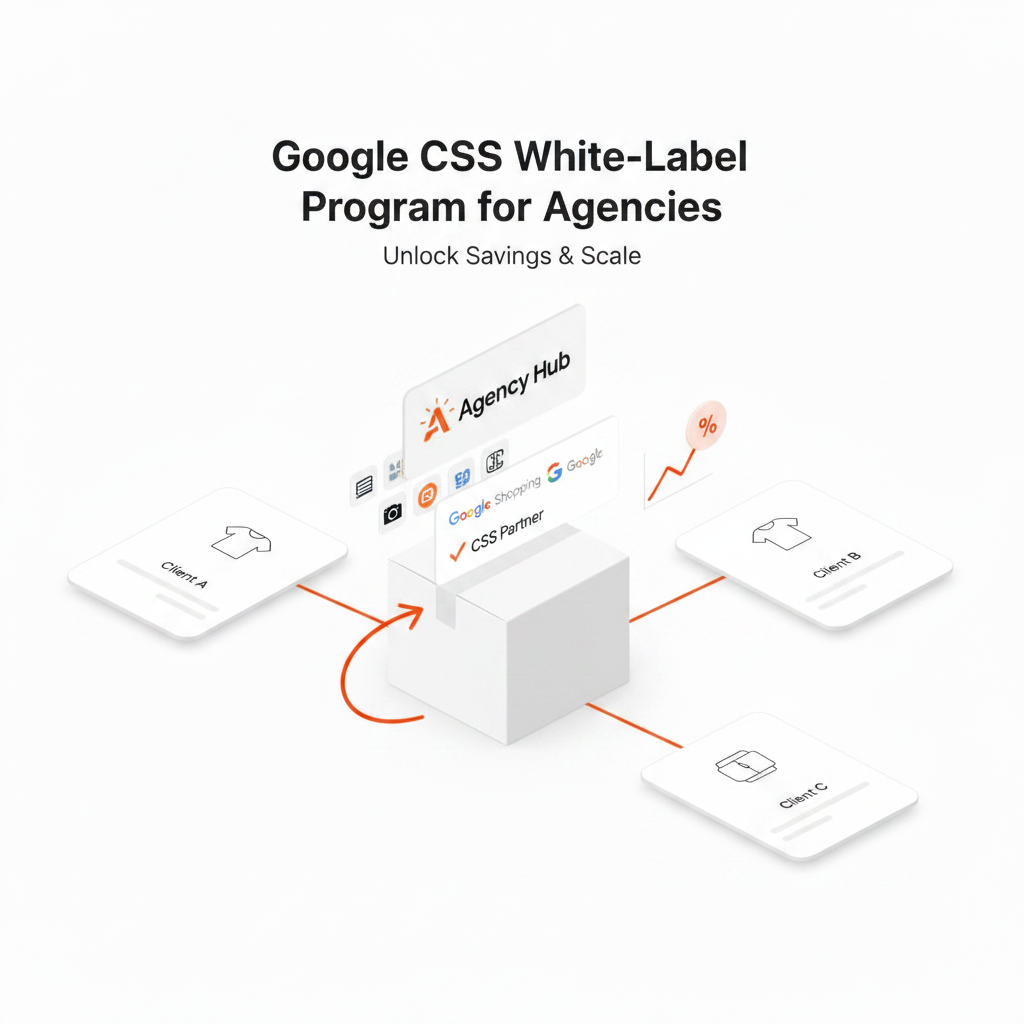
- Agencies: when a client asks about “CSS ads”, check which of the two setups they mean. A white label CSS for agencies is about placing clients' own Shopping ads through a CSS under the agency's brand – the second column above. See White label CSS for agencies.
Frequently asked questions
Are Comparison Listing ads and CSS Product Listing ads the same thing?
Google's documentation now uses the name CSS Product Listing ads, and the old help page redirects to the new one. Search Engine Roundtable estimated that most of the help page text changed, so check Google's current documentation for details rather than older guides.
Can an online store run CSS Product Listing ads?
Only as a CSS. The format requires a CSS account in CSS Center and a comparison website that meets the CSS program requirements, such as showing offers from at least 50 merchant domains in every country where the CSS participates. A store advertising its own products uses regular Shopping ads.
Where can CSS Product Listing ads run?
In countries that are part of the CSS program. Google currently lists 21 European countries.
If I use a CSS partner, do my ads become CSS Product Listing ads?
No. Your Shopping ads stay your own: they link to your store and run from your Google Ads account. Only the CSS that places your offers in the auction, and the “By …” link at the bottom of the ad, change.