No Google CSS partner is truly free. Some comparison shopping services (CSSs) advertise "no fee" to merchants, but Google lets every CSS decide how it charges – "CSSs can choose how to invoice their merchants" – so a CSS without a visible fee is paid in another way: usually through a margin on your clicks, a share of your ad spend or a bundled service. This article explains where the cost of a "free" CSS partner sits, how it compares with a flat fee, and what to ask before you sign up – based on Google's own help pages.
New to the topic? Start with what Google CSS is, then come back here.
Why no CSS is really free
In the 21 countries of Google's CSS program, every Shopping ad is placed by a CSS – Google Shopping itself or an independent Google CSS partner. Running a CSS costs money: a comparison website, a Merchant Center multi-client account, onboarding with Google, support and technology. That cost is always covered somewhere. The only question is whether you see it as a separate line on an invoice or whether it is built into something else you pay.
Google itself treats this as a business choice of each CSS. Its Merchant Center Help states that CSSs can choose how to invoice their merchants and that "different CSSs may provide different value-added services". So two CSSs can place your ads in the same auctions and still charge you in completely different ways.
How a CSS earns money
Margin on the bid
The CSS keeps part of each click. This is the model Google Shopping uses: Google says Google Shopping "generally charges its merchants based on a CPC model" and that the margin "is included in the CPC paid by the merchant". You never get an invoice for the margin – it is simply part of what you pay per click.
Percentage of ad spend
The CSS invoices a share of what you spend on Shopping ads through it. The fee is visible, but it grows with your budget.
Flat subscription
A fixed monthly or annual price, independent of spend. Your bids go into the auction without a CSS margin taken from them, and the fee does not grow when you scale.
Bundled services
The CSS is "free" because it comes with something else you pay for – for example feed management software, an agency retainer or campaign management. The CSS cost is then part of that other price.
Is Google Shopping "free"?
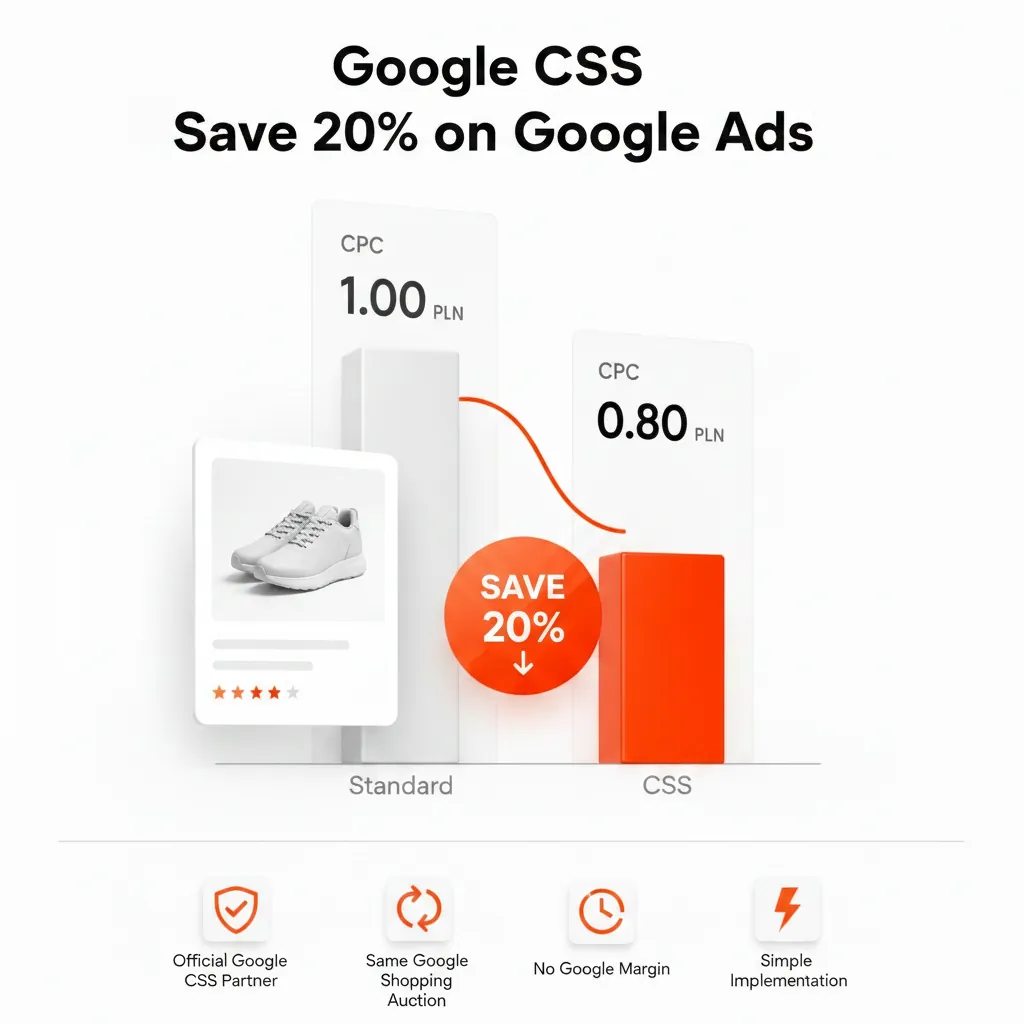
Google Shopping (often called Google Shopping Europe or GSE in this context) is Google's own CSS, and it sends no separate invoice. But it is not free: Google says Google Shopping ensures profitability by deducting a fixed percentage margin from each merchant bid, and that this margin is included in your CPC. Google does not publish the size of the margin; it is widely estimated at around 20%. That margin is exactly what an independent CSS partner can avoid – which is why Shopping CPCs can be up to 20% lower with an independent CSS, depending on category and competition. The full comparison is in Google Shopping CSS vs Google Shopping Europe.
Where the cost of a "free" CSS hides
| Where the cost sits | What to ask | Watch out for |
|---|---|---|
| Margin on each click | Do you keep part of my bid? What percentage? | No written number, or a margin that changes without notice |
| Share of ad spend | Is any fee calculated from my Shopping budget? | A fee that grows faster than your saving as you scale |
| Bundled service | Which paid service is the CSS part of? | Not being able to leave the service without losing the CSS |
| Contract terms | Is there a minimum term or notice period? | Long lock-ins for a product described as free |
| Account access | Do you need access to my Google Ads account, and why? | Access requests that go beyond what the CSS needs |
None of these models is wrong in itself. A margin or a bundle can be fair – as long as you know it is there and can compare it with the alternatives.
"Free" vs flat fee: how to compare
The right comparison is the total cost at your real monthly Shopping spend, not the headline price. Take your spend per country for a normal month and work out what each option costs you:
- Margin model: the part of your bids the CSS keeps. It is not on an invoice, so ask for the percentage in writing.
- Percentage of spend: the percentage multiplied by your monthly spend.
- Flat fee: the fixed price, the same whether you spend a little or a lot.
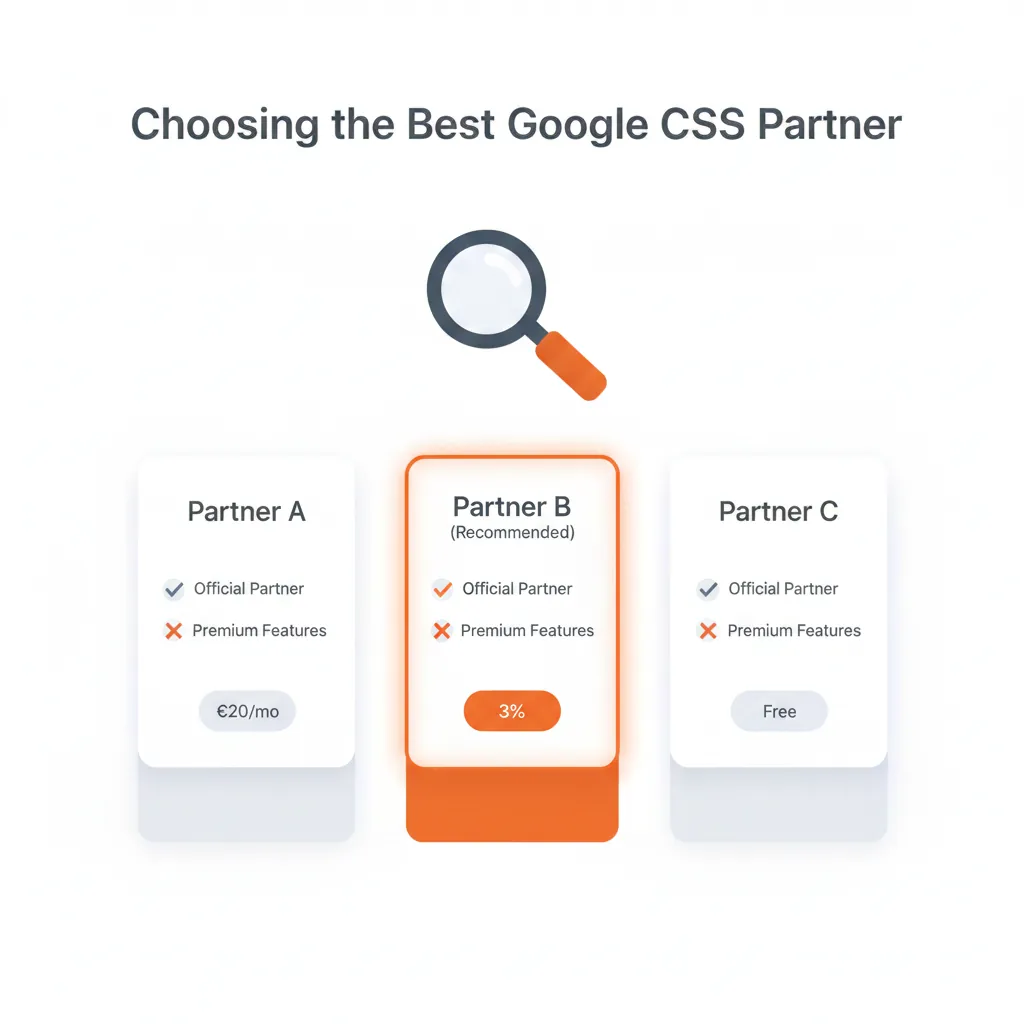
Example with hypothetical numbers: a shop spends €1,500 a month on Shopping ads. With a CSS that keeps a margin on each bid, part of every click pays the CSS, so less of the €1,500 competes in the auction. With a flat-fee CSS, the full bid competes and the CSS cost is a fixed amount on top. For reference, Feedve uses a flat subscription: Feedve Pro costs €20 per month or €200 per year (see pricing). You can estimate your own case in the CSS savings calculator.
A flat fee is not automatically cheaper either. If your Shopping spend is very small, even a low fixed fee can be larger than your saving – the calculator helps you see where that point is.
Questions to ask before you choose a "free" CSS
- How do you earn money from my account? Margin, share of spend or bundled service – get it in writing.
- Which countries do you cover? The CSS program runs in 21 countries; check yours are included.
- Is there a minimum term or notice period?
- Do I keep my Google Ads account, campaigns and data? With a CSS you should: the CSS is linked to your Merchant Center account, not to your campaigns.
- What access do you need? Ask why before granting access to Google Ads.
- What happens if I want to leave? See the switching process below.
A longer checklist with fee models is in how to choose a Google CSS partner.
Can I use more than one CSS?
Yes. Google says you can participate via several CSSs at the same time. A Merchant Center account can be associated with only one CSS at a time, so working with several CSSs means using separate Merchant Center accounts. Google also states that all CSSs, including Google Shopping, have the same opportunities to place ads, and that a merchant is never second-priced against itself in the auction.
Switching if "free" turns out expensive
Changing CSS does not move or rebuild your campaigns. According to Google's CSS Center Help:
- Your new CSS starts the switch in CSS Center using your Merchant Center account ID, after you have confirmed you want it to represent you.
- An admin of your Merchant Center account approves or declines the request.
- The switch takes effect after a grace period of up to 14 days. The old CSS can decide to waive the grace period.
Step by step: how to switch CSS partner in Google Merchant Center.
Agencies: if you want to offer CSS to clients under your own name instead of referring them to a "free" CSS, see the white label CSS partner plan.
FAQ
Is there a free Google CSS partner?
Some CSSs advertise no fee, but every CSS is paid somehow – most often through a margin on your clicks, a share of ad spend or a bundled service. Google lets each CSS choose how it invoices merchants, so always ask how the partner earns money.
Is Google CSS free?
Not in the sense of costing nothing. Each CSS charges for its service in its own way, and Google Shopping, which sends no separate invoice, includes its margin in the CPC you pay.
How do free CSS partners make money?
Usually by keeping part of each click (a margin on the bid), by charging a percentage of ad spend, or by bundling the CSS with another paid service such as feed software or campaign management.
Is a free CSS better than a paid one?
Not necessarily. Compare the total cost at your real monthly spend. A visible flat fee can cost less than an invisible margin, and the reverse can be true for very small budgets.
Can I switch away from a free CSS?
Yes. Your new CSS starts the switch, a Merchant Center admin approves it, and it takes effect after a grace period of up to 14 days, which the old CSS can waive.