Every Shopping ad, every product in a Performance Max campaign and every free listing on Google starts in the same place: your product feed. Google now calls it a product data source, but the job is unchanged. It is a structured file that tells Merchant Center what you sell, what it costs, whether it is in stock and where a shopper can buy it. This guide gives you a working Google product feed example you can copy, then explains the rule behind each column, with every requirement checked against Google's own product data specification.
What is a Google product feed?
A Google product feed is a file, or a connected spreadsheet, that lists your products in a fixed structure: one product per row, one attribute per column. The first row is a header that holds the attribute names, such as id, title and price. Those names are not your choice. They come from Google's product data specification, and Merchant Center only recognises attributes that match it.
Attributes fall into three groups: required for every product, required only for certain products or countries, and recommended.
Google product feed example
The tables below show an illustrative feed for a fictional store selling under the brand ExampleBrand on example.com. The products and values are invented to show the format; they are not real listings. To keep the tables readable on mobile, the same four products appear in two tables.
Core attributes
| id | title | price | sale_price | availability | condition | brand | gtin / mpn |
|---|---|---|---|---|---|---|---|
| TS-1001-BLU-M | ExampleBrand Men's Merino Running T-Shirt – Blue, M | 49.99 EUR | 39.99 EUR | in_stock | new | ExampleBrand | gtin: (13-digit GTIN from the manufacturer) |
| TS-1001-BLU-L | ExampleBrand Men's Merino Running T-Shirt – Blue, L | 49.99 EUR | 39.99 EUR | in_stock | new | ExampleBrand | gtin: (13-digit GTIN from the manufacturer) |
| WB-2001 | ExampleBrand Insulated Steel Water Bottle 750 ml | 24.90 EUR | out_of_stock | new | ExampleBrand | gtin: (13-digit GTIN from the manufacturer) | |
| CAM-3001-U | ExampleBrand 4K Action Camera – Used | 129.00 EUR | in_stock | used | ExampleBrand | mpn: EB-AC4K-01 |
Variant and apparel attributes
| id | item_group_id | color | size | gender | age_group |
|---|---|---|---|---|---|
| TS-1001-BLU-M | TS-1001 | Blue | M | male | adult |
| TS-1001-BLU-L | TS-1001 | Blue | L | male | adult |
| WB-2001 | |||||
| CAM-3001-U |
The same example as a tab-delimited file
This is what the first rows look like in a tab-delimited .txt or .tsv file. Columns are separated by a single tab character, and empty cells are allowed when an attribute has no value for a product.
id	title	description	link	image_link	availability	price	brand	gtin	mpn	condition
TS-1001-BLU-M	ExampleBrand Men's Merino Running T-Shirt – Blue, M	Lightweight merino wool running T-shirt with flat seams. Machine washable.	https://www.example.com/merino-running-tee?size=M	https://www.example.com/img/ts-1001-blue.jpg	in_stock	49.99 EUR	ExampleBrand	(13-digit GTIN from the manufacturer)		new
CAM-3001-U	ExampleBrand 4K Action Camera – Used	Used 4K action camera, fully tested. Includes battery and mount. Original box missing.	https://www.example.com/action-camera-used	https://www.example.com/img/cam-3001.jpg	in_stock	129.00 EUR	ExampleBrand		EB-AC4K-01	used
What the example shows
- A variant group. The blue T-shirt in M and L shares item_group_id TS-1001, while each size keeps its own unique id. Color, size, gender and age_group tell Google how the variants differ.
- A sale price. price holds the regular price (49.99 EUR) and sale_price the discounted one (39.99 EUR). Both must match what the shopper sees on the landing page and in the cart.
- An out-of-stock item. The water bottle stays in the feed with availability set to out_of_stock instead of being deleted.
- A used item without a GTIN. The action camera uses brand plus mpn as its identifiers, and condition is set to used, which Google requires for used products.
Required attributes for every product
These attributes are required regardless of category. Limits below are taken from Google's product data specification.
| Attribute | Rule | Example |
|---|---|---|
| id | Unique per product, max 50 characters. Use the SKU where possible and keep it stable across updates. | TS-1001-BLU-M |
| title | Max 150 characters. Must match the landing page. No promotional text or all-caps. | ExampleBrand Men's Merino Running T-Shirt – Blue, M |
| description | Max 5,000 characters. Product information only: no links to your store, promotions or competitor comparisons. | Lightweight merino wool running T-shirt… |
| link | Landing page URL starting with http or https, on your verified domain. | https://www.example.com/merino-running-tee |
| image_link | URL of the main image. Accepted formats: JPEG, WebP, PNG, non-animated GIF, BMP, TIFF. No watermarks, borders, promotional text or placeholders. | https://www.example.com/img/ts-1001-blue.jpg |
| availability | One of in_stock, out_of_stock, preorder, backorder. Preorder requires availability_date. | in_stock |
| price | Number plus ISO 4217 currency code, with a dot as the decimal separator. Must match the landing page. Outside the US and Canada, including all of Europe, the price must include VAT. | 49.99 EUR |
Attributes required in some cases
- brand – required for all new products except movies, books and music recordings; max 70 characters. If a product genuinely has no brand, leave the field empty. Google explicitly rejects placeholders such as "N/A", "Generic" or "No brand".
- gtin – Google lists it as "it depends" and strongly recommends it whenever the manufacturer has assigned one. Accepted formats include UPC (12 digits), EAN (13), JAN (8 or 13), ISBN (13) and ITF-14 (14). The value must pass GS1 validation; an incorrect GTIN gets the product disapproved.
- mpn – required only when the product has no manufacturer-assigned GTIN; max 70 characters. It must come from the manufacturer, not your own SKU system.
- identifier_exists – set to no only when a product really lacks unique identifiers (for example, no GTIN and no brand-plus-MPN combination). Submitting no for a product that has identifiers can lead to disapproval.
- condition – new, refurbished or used. Required for used and refurbished products, optional for new ones.
- color, size, gender, age_group – required for apparel targeted to Brazil, France, Germany, Japan, the UK and the US, and for free listings in Apparel & Accessories. Color and size are also required for any product sold in several colors or sizes. Gender takes male, female or unisex; age_group takes newborn, infant, toddler, kids or adult.
- item_group_id – required for variants in Brazil, France, Germany, Japan, the UK and the US, and for free listings of all variants; max 50 characters. The parent SKU is the usual choice.
- shipping – shipping costs must be provided for Shopping ads and free listings in the countries where Google requires it, a list that includes Austria, Belgium, Czechia, France, Germany, Ireland, Italy, the Netherlands, Poland, Romania, Spain, Switzerland and the UK. You can provide them either with the shipping attribute or through shipping settings in your Merchant Center account; the attribute is mainly for cases where account settings do not cover the product or need to be overridden.
Recommended attributes
These do not block approval, but they add context and campaign control.
- google_product_category – one category from Google's taxonomy, either the numeric ID (recommended) or the full path. For a few categories, such as mobile phones and gift cards, it is required.
- product_type – your own category path, max 750 characters, for example "Home > Running > T-Shirts". Only the first value is used for bidding and reporting in Shopping campaigns.
- additional_image_link – up to 10 extra images, such as different angles or the product in use.
- sale_price_effective_date – start and end of a sale in ISO 8601 format, separated by a slash. Without it, the sale price applies until you remove it.
- custom_label_0 to custom_label_4 – your own labels (max 100 characters each, up to 1,000 unique values per label across the account) for grouping products by margin, season or bestseller status.
- product_highlight – 2 to 100 short bullet points, max 150 characters each, without promotional text.
- product_detail – technical specifications as section name, attribute name and value, up to 100 details per product.
- shipping_weight – a number plus unit (lb, oz, g or kg), needed if you use carrier-calculated rates in your account shipping settings.
Supported feed file formats
- Delimited text: .txt (tab-delimited) or .tsv.
- XML: .xml, for example RSS 2.0 or Atom 1.0.
- Compressed: .gz, .zip or .bz2, containing a .txt or .xml file.
- Size: a single file can be up to 4 GB.
- Encoding: UTF-8 or UTF-16. Other encodings are a common cause of processing errors.
- Header row: the first row holds the attribute names, one per column, exactly as they appear in the specification.
- Google Sheets: Merchant Center can use a Google Sheets template as a data source. Changes in the sheet sync automatically, by default every 24 hours.
Formats such as .html or .pdf are not supported. In tab-delimited files, stray tabs or line breaks inside a field are the classic way to break a row; in XML, it is unclosed tags.
Product data changes to watch in 2026–2027
Google published a product data specification update on 14 April 2026. The points most relevant to feed managers:
- New shipping attributes: handling_cutoff_time and minimum_order_value, plus loyalty sub-attributes (loyalty_program_label, loyalty_tier_label) inside shipping.
- video_link: a new optional attribute for product videos. Videos became eligible to serve from 30 June 2026, and video errors do not affect whether the offer itself is shown.
- Minimum image size: from 31 January 2027, image_link and additional_image_link must be at least 500 x 500 pixels across all categories. Merchant Center has shown warnings for smaller images since 14 April 2026. Google will auto-optimise some smaller images, but those products are still flagged, so upload larger originals.
Does a CSS change your product feed?
No. There is no separate feed format for a comparison shopping service. Google states that all campaigns through a CSS must follow the same Shopping ads policies and product data specifications. The feed you build from the example above works whether your ads are placed by Google Shopping or by an independent Google CSS.
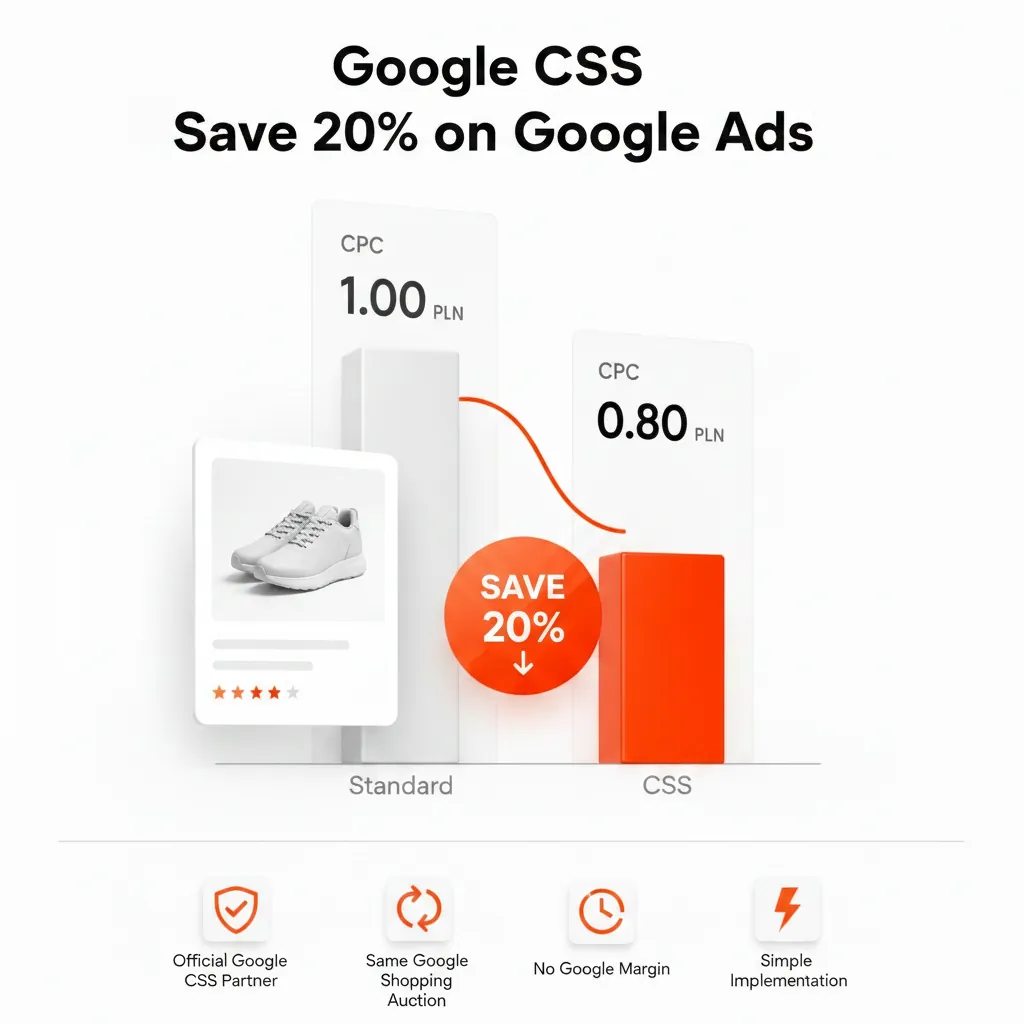
What changes is who places your Shopping ads in the 21 CSS countries. With an independent CSS partner, CPCs can be up to 20% lower than through Google Shopping, depending on category and competition. That is a ceiling, not a guarantee. Your Shopping and Performance Max campaigns with a CSS keep running from the same feed and the same Google Ads account.
The switch itself is handled outside the feed: the new CSS sends a request from CSS Center, a Merchant Center admin approves it, and the change takes effect after a grace period of up to 14 days. See our guide to switching your CSS partner.
Feed checklist before you upload
- Every row has a unique id of 50 characters or fewer that will not change on the next update.
- Titles are 150 characters or fewer, match the landing page and contain no promotional text.
- Prices use the "49.99 EUR" format, include VAT for European markets and match the landing page and cart.
- availability uses only in_stock, out_of_stock, preorder or backorder.
- GTINs come from the manufacturer and pass validation; products without one have brand plus MPN.
- No placeholder brands such as "Generic" or "N/A".
- Used and refurbished products have condition set.
- Apparel variants carry item_group_id, color, size, gender and age_group.
- Shipping costs are set in Merchant Center or in the feed for every target country that requires them.
- Main images are at least 500 x 500 pixels, without watermarks or promotional overlays, and the file is saved in UTF-8 or UTF-16.
Frequently asked questions
Which attributes are required in a Google product feed?
For every product: id, title, description, link, image_link, availability and price. Depending on the product and country you also need brand, gtin or mpn, condition, apparel attributes, item_group_id and shipping information.
Can I use Google Sheets as a product feed?
Yes. Merchant Center offers a Google Sheets template as a data source, and changes sync automatically, by default every 24 hours.
What is the difference between google_product_category and product_type?
google_product_category uses Google's fixed taxonomy and tells Google what the product is. product_type is your own category path, which you can use to structure and report on Shopping campaigns.
Does every product need a GTIN?
No. Google strongly recommends a GTIN whenever the manufacturer has assigned one. If there is none, use brand plus mpn. Only if neither exists should you set identifier_exists to no.
Does a CSS partner need a different feed?
No. CSS campaigns follow the same product data specification and Shopping ads policies. You keep your existing Merchant Center feed; only the service that places your ads changes.
Once your feed is clean, the next lever is what you pay per click. Estimate your potential savings with the CSS savings calculator and see Feedve pricing to compare options.
Sources
- Google Merchant Center Help: Product data specification
- Google Merchant Center Help: File requirements for product data
- Google Merchant Center Help: Product data specification update 2026
- Google Merchant Center Help: About advertising with Comparison Shopping Services
- Google Merchant Center Help: Add products using Google Sheets
- CSS Center Help: Switch merchant accounts between Comparison Shopping Services