For an agency that runs Shopping campaigns in Europe, Google CSS is one of the few improvements that needs no new campaigns, no new feed and no new accounts – and its effect shows up in the client's own Google Ads data. That makes it an easy conversation, but only with the right clients and the right expectations. This playbook covers the whole cycle: which clients to pitch, how to explain CSS in plain words, how to build the business case, how to answer objections, how to run the switch and how to prove the result.
If you need the background first, read What is Google CSS? How to earn from CSS – referral commission or your own brand – is covered in CSS affiliate vs white label.
Why CSS is an easy conversation – and when it isn't
Three things make CSS easy to recommend:
- Nothing gets rebuilt. The client keeps its Google Ads account, campaigns, bid strategies, Merchant Center account and feed. Only the CSS that places its offers in the Shopping auction changes.
- It is Google's own program. In the 21 CSS program countries every Shopping ad is placed by a Comparison Shopping Service. Independent CSSs compete with Google Shopping Europe in the same auction, under the same rules.
- The result is measurable. CPC, impression share and clicks before and after the switch come straight from the client's account.
It is not a fit for every client. Skip or postpone the pitch when the client advertises mainly outside the 21 program countries, when its Shopping spend is so small that the expected saving would not cover a CSS fee, when it relies on surfaces the CSS does not cover, or when its peak season starts in the next few weeks.
Step 1: Qualify the client
| Check | Why it matters |
|---|---|
| Runs Shopping or Performance Max campaigns from a Merchant Center feed | CSS affects Shopping ads; without them there is nothing to improve |
| Advertises in one or more of the 21 program countries | The CSS price advantage exists only there |
| Currently uses Google Shopping as its CSS | This is where the CPC advantage comes from; most accounts that never chose a CSS use Google Shopping |
| Shopping spend is large enough | The expected saving should clearly exceed the CSS fee |
| The Merchant Center account has its own admin | Only an admin can approve the switch request |
| No peak season in the next four to six weeks | You need calm weeks to measure the effect |
| Uses dynamic remarketing or other surfaces (Shopping tab, Display, YouTube)? | Confirm the CSS is opted in to them, or those placements can stop |
To see which CSS a client uses, look at the small “By …” link at the bottom of its Shopping ads – the Ad Preview and Diagnosis tool in Google Ads shows it without generating impressions – or ask a Merchant Center admin to check the account access page.
Step 2: Explain CSS in 30 seconds
Most clients have never heard of CSS. Keep the first explanation short and concrete:
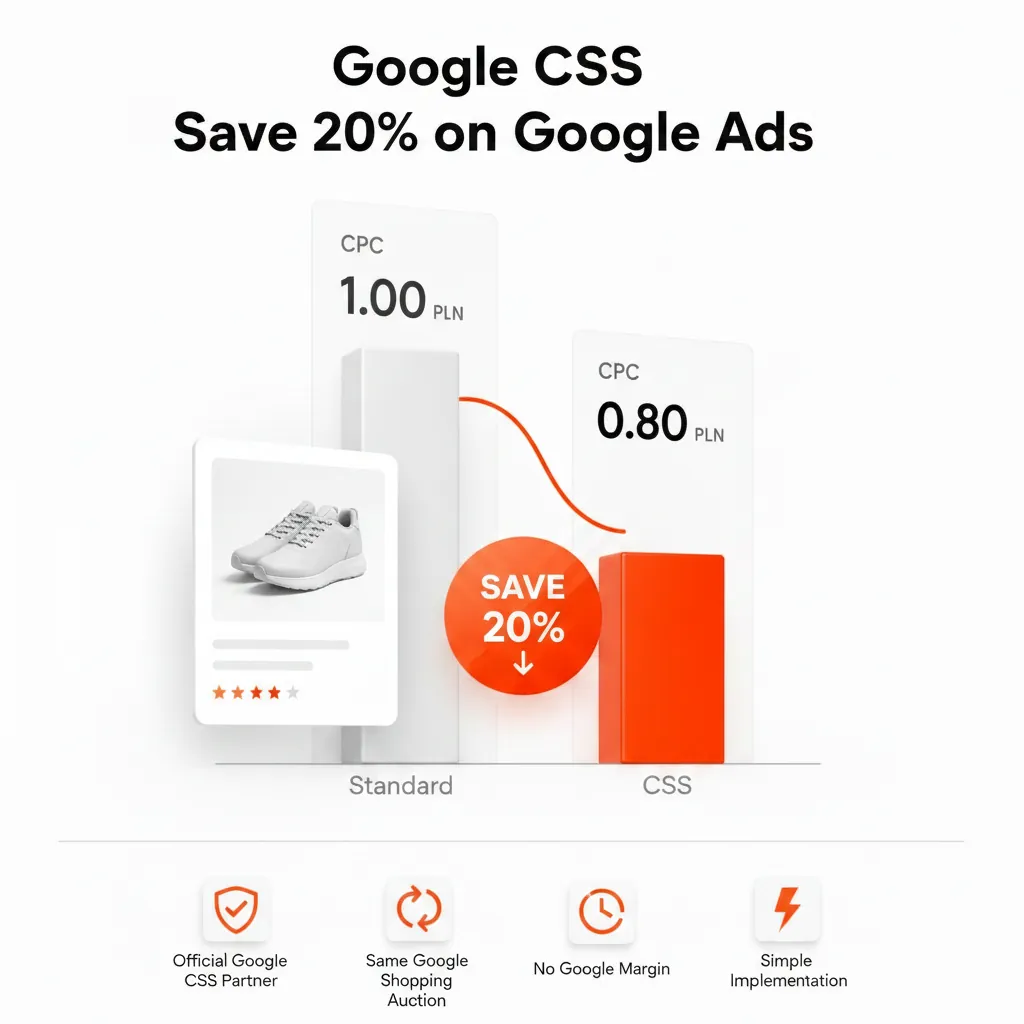
“In 21 European countries every Shopping ad is placed by a Comparison Shopping Service. By default yours is Google Shopping, which takes a margin from your bids before they enter the auction. An independent CSS doesn't, so the same bid competes in full. That can lower your Shopping CPC by up to 20%. Your campaigns, feed and accounts stay exactly as they are – you only approve one request in Merchant Center.”
Avoid words like “hack” or “loophole” – CSS is the standard mechanism of Google's program – and never promise a fixed percentage. Google does not publish Google Shopping Europe's margin; it is widely estimated at around 20%, and the real effect depends on category, competition and bid strategy. The details are in Google CSS vs Google Shopping Europe.
Step 3: Build the business case from the client's own data
Export the last 30–60 days of Shopping and Performance Max data per program country: spend, clicks, average CPC, impression share, conversions and conversion value. Then show a range instead of a single number. Illustrative example for a client spending €4,000 a month on Shopping ads:
| CPC lower by | Same clicks: monthly saving | Same budget: extra clicks |
|---|---|---|
| 5% | ≈ €200 | ≈ +5% |
| 10% | ≈ €400 | ≈ +11% |
| 20% (ceiling) | ≈ €800 | ≈ +25% |
These are not forecasts: they show what different outcomes would mean for this budget. Put the CSS fee next to them so the client sees the net effect. For a quick estimate per country, use the Google CSS savings calculator.
Step 4: Send a one-page proposal
A good CSS proposal fits on one page and answers the questions before they are asked:
- What changes: the CSS that places the client's offers and the “By …” link under its Shopping ads.
- What stays the same: Google Ads account, campaigns, budgets, bid strategies, history, Merchant Center account and feed.
- Expected range: the table from step 3, with “up to 20%” as the ceiling.
- Cost: your fee or the CSS partner's fee, and the contract terms.
- Timeline: approval takes minutes, the switch takes effect after a grace period of up to 14 days, and the first fair comparison is possible two to four weeks later.
- What you need from the client: the Merchant Center ID, written confirmation that the new CSS may place its Shopping ads, and an admin to approve the request.
- Exit: the client can move to another CSS, or back to Google Shopping, through the same switch process.
Step 5: Handle the usual objections
| Objection | Answer |
|---|---|
| “Is this allowed by Google?” | Yes. The CSS program is how Google places Shopping ads in the 21 countries, introduced after the European Commission's 2017 decision. Independent CSSs bid in the same auction as Google Shopping Europe. |
| “Will our ads look different?” | Only the small “By …” link at the bottom changes. Title, image, price and store name stay the same. |
| “Do we lose our campaign history?” | No. Google Ads campaigns and their history don't change, and no new feed is needed. |
| “We use Performance Max.” | Google treats any campaign that uses the Merchant Center account's data as belonging to that account's CSS, so Shopping ads served through Performance Max go through the CSS too. Check which other surfaces the CSS covers. |
| “What if it doesn't work?” | You measure it against the baseline. If the client wants to leave, it can switch to another CSS or back to Google Shopping through the same process, subject to the grace period and contract terms. |
| “Is this another tool we have to learn?” | No. Nothing new to log into for the client's team; the change happens at the Merchant Center account level. |
Step 6: Run the switch cleanly
- Collect the Merchant Center ID and written confirmation. According to Google, a CSS may only start an account switch after the merchant has confirmed that it wants that CSS to place its Shopping ads or free listings.
- Check admin access. Make sure the Merchant Center account has at least one admin of its own – a switch can fail when an account has users but no admins.
- The CSS sends the request from its CSS Center and the account admins are notified.
- The client's admin approves it. The switch takes effect after a grace period of up to 14 days, which the current CSS can shorten or waive.
- Freeze big changes. Don't change bids, budgets or campaign structure in the same weeks, or you won't be able to tell what caused the result.
- Check free listings and surfaces. In Europe a merchant can choose only one CSS for free listings; confirm which one it should be.
The full checklist is in How to switch CSS partner in Google Merchant Center.
Step 7: Prove the result
Two to four weeks after the switch, compare the same metrics with the baseline – per country and for the same days of the week:
- average CPC and impression share;
- clicks, conversions and conversion value;
- ROAS and cost per conversion.
With automated bidding such as target ROAS, part of the advantage may show up as more clicks or a higher impression share at the same spend rather than as a lower CPC, so look at volume as well as price. Check the “By …” link with the Ad Preview and Diagnosis tool to confirm the new CSS is live. Then send the client a short before-and-after table with one sentence of interpretation – that report is what turns a pilot into a long-term service.
Step 8: Make it a repeatable offer
- Add a CSS check to every Shopping audit, so new clients are qualified from day one.
- Use pilot results in your pitch – anonymised, and only with the client's permission.
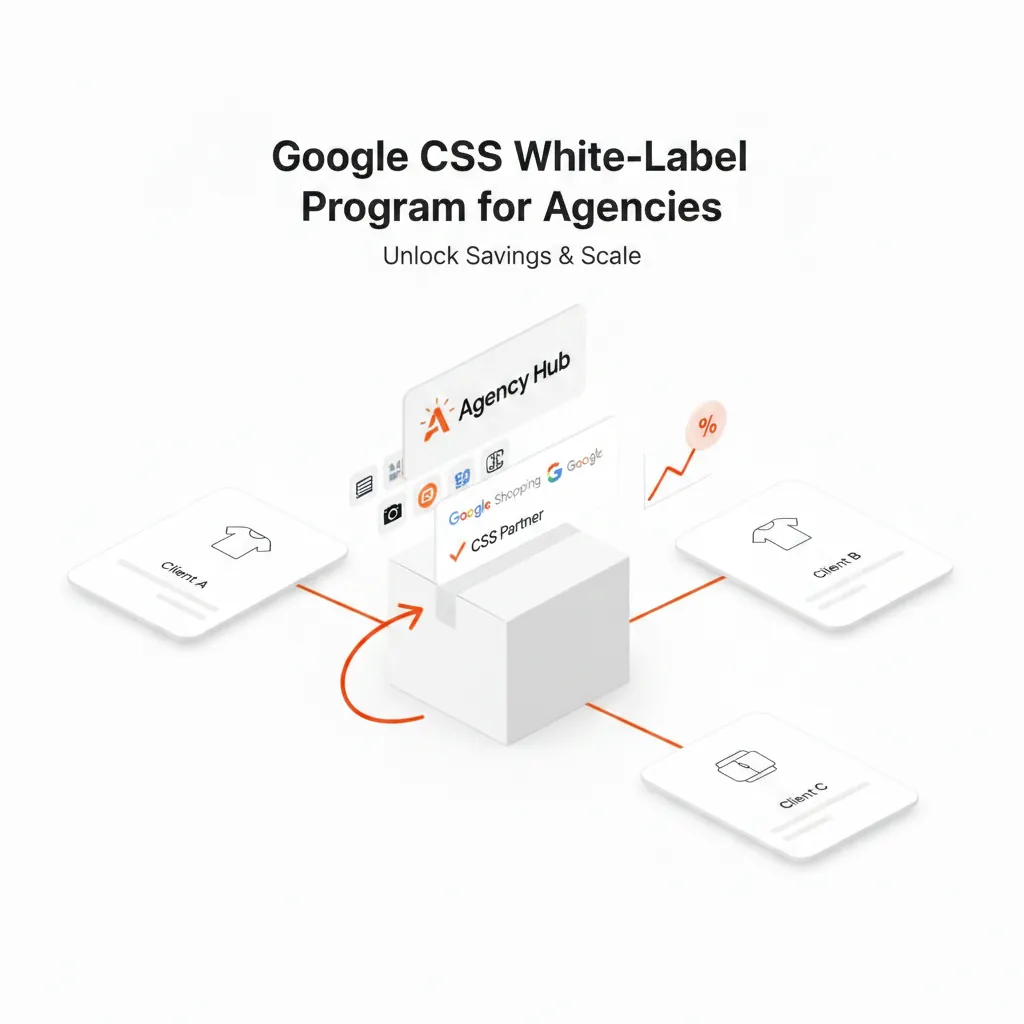
- Choose your commercial model. You can refer clients to a CSS partner and earn a commission, or offer CSS under your own brand. The numbers for both are in CSS affiliate vs white label: which earns an agency more?, and pricing models for your own brand are in What is white label CSS?
- Review quarterly. Category competition changes; a short CPC and impression share check keeps the result visible.
Common mistakes
- Promising a fixed 20%. It is a ceiling, not a guarantee.
- Switching right before peak season. You lose the clean comparison when it matters most.
- Changing bids and the CSS at the same time. The effect becomes impossible to attribute.
- Not telling the client about the “By” link. Explain it up front so nobody is surprised.
- Ignoring other surfaces. If a client depends on dynamic remarketing, confirm coverage before the switch.
Frequently asked questions
How long until a client sees results?
Approving the request takes minutes and the switch takes effect after a grace period of up to 14 days. Plan the first fair comparison two to four weeks after that.
Does the client need to do anything technical?
No. The client shares its Merchant Center ID, confirms in writing and has an admin approve one request. Feed, campaigns and accounts stay as they are.
Can a client work with several CSSs?
Yes, but each CSS then uses a separate Merchant Center account for the client's products. Google says a merchant is never second-priced against itself, but for most stores one CSS is simpler to manage.
Which clients should not switch?
Clients that advertise mainly outside the 21 program countries, clients whose Shopping spend is too small to cover a CSS fee, and clients in the middle of their peak season.
Can an agency earn from CSS without its own brand?
Yes. With the Feedve affiliate program you earn 20% of every subscription payment of the clients you refer, for as long as they stay. If you prefer your own brand on clients' ads, see Feedve White Label CSS.
Sources
- Google Merchant Center Help – About advertising with Comparison Shopping Services
- Google Merchant Center Help – Working with Comparison Shopping Services
- Google CSS Center Help – Switch merchant accounts between Comparison Shopping Services
- European Commission decision of 27 June 2017, case AT.39740 Google Search (Shopping).